Programmatically controlling a browser (or computer use in general) is a big part of the sell of “AI”-driven workflows, in part because most of the web is haphazardly put together (I used to go to a barber whose online booking required like 15 clicks just to see if they were available today - why?).
And when building software, it’s incredible to be able to have screenshots and tests based on real browser use. I remember 15+ years ago managing Selenium test suites, and we even had an internal project at one point (codenamed Goggles) to explore automatic tracing of the app by using various data-follow-style attributes embedded through the code.
But of course, it has always been so brittle. I assume everyone has been disappointed by these flows at some point and perhaps that’s why everyone is so excited about the concept finally being viable.
Agent Browser
I was playing with Agent Browser this week, so here are a few notes on how it works.
It’s a CLI wrapper to control sessions in Chromium, producing structured text as output. If you’re running this in another computer (shameless plug), Chromium is already installed so it’s as simple as running bunx agent-browser (though you do have to points its session dir somewhere writable export AGENT_BROWSER_SOCKET_DIR=/tmp)
Then you can poke around a URL, e.g.:
$ bunx agent-browser open https://n.foo
✓ Nathan Wong
  https://n.foo/
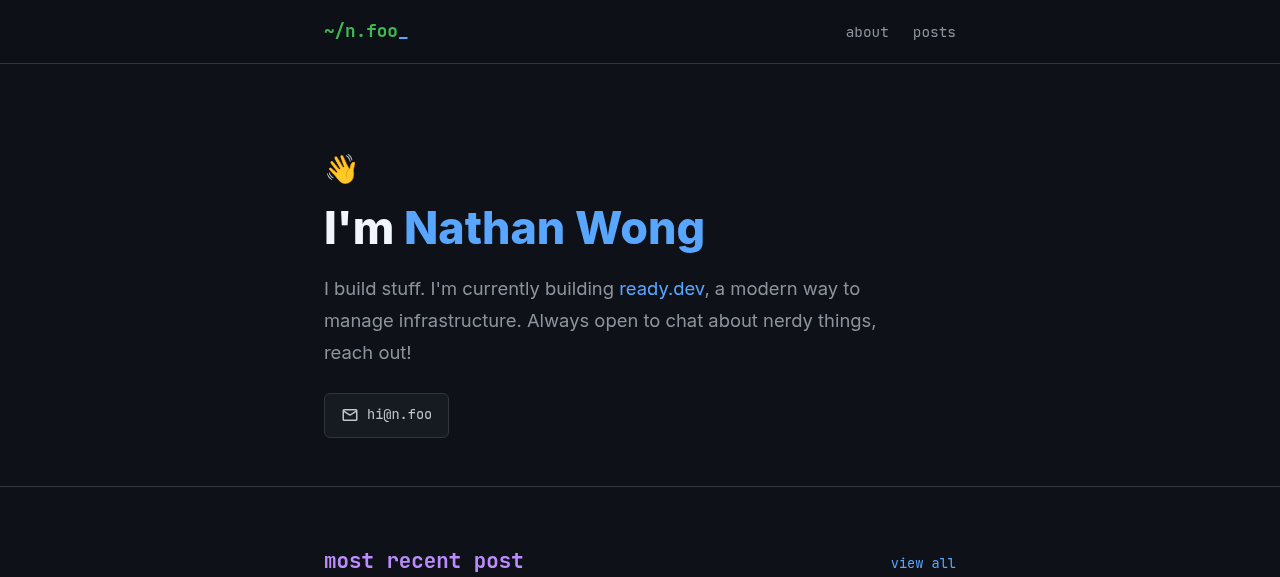
Take a screenshot for reference:
$ bunx agent-browser screenshot homepage.png
✓ Screenshot saved to homepage.png
Format as a structured tree:
$ bunx agent-browser snapshot
- navigation
  - link "~/n.foo_" [ref=e1]
    - StaticText "~/n.foo_"
  - list
    - listitem [level=1]
      - link "about" [ref=e13]
    - listitem [level=1]
      - link "posts" [ref=e14]
...snip....
  - heading "Testing Qwen 3.6 Locally, End-to-End Full Guide" [level=3, ref=e7]
    - link "Testing Qwen 3.6 Locally, End-to-End Full Guide" [ref=e15]
Note that every “interactive” element gets a ref (e.g. e15 for the Qwen blog post). Passing -i gives you only these elements:
$ bunx agent-browser snapshot -i
- link "~/n.foo_" [ref=e1]
- link "about" [ref=e13]
- link "posts" [ref=e14]
...snip...
- heading "Testing Qwen 3.6 Locally, End-to-End Full Guide" [level=3, ref=e7]
  - link "Testing Qwen 3.6 Locally, End-to-End Full Guide" [ref=e15]
You can “click” it by that ref:
$ bunx agent-browser click e15
✓ Done
In that snapshot structure, there’s an <article> tag so you can actually pull all the HTML-stripped text with just:
$ bunx agent-browser get text article
This space moves fast: I had most of ...snip the post...
(You can also connect and live-stream the session so you can see what it sees and some other quality-of-life niceties, but that’s probably beyond the quick start here.)
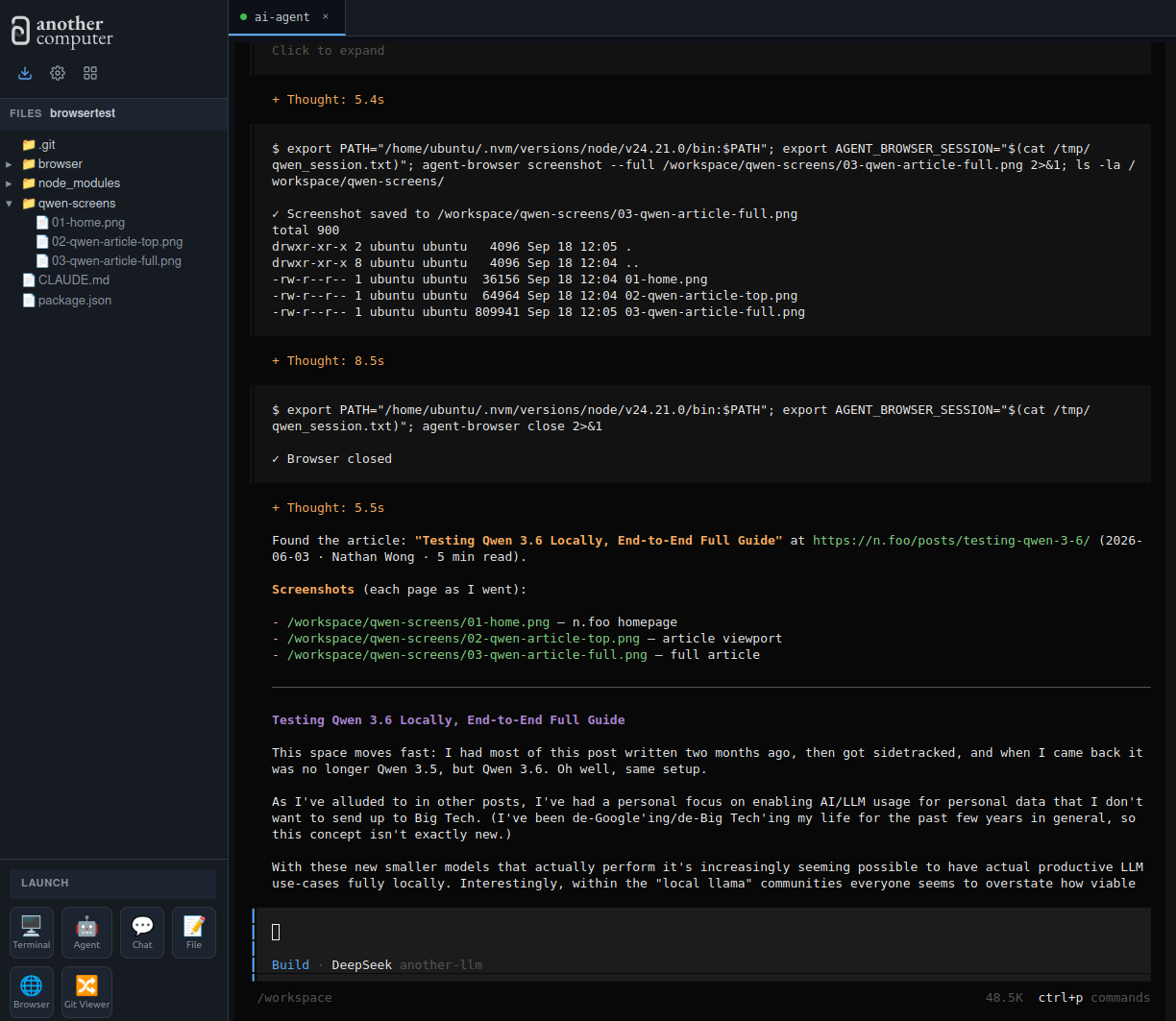
You can squint and see just how well an LLM could iterate through this. In OpenCode with the bundled skill:
open https://n.foo and find the article on qwen and provide the article content, screenshotting each page as you go
It fumbles around and eventually gets:
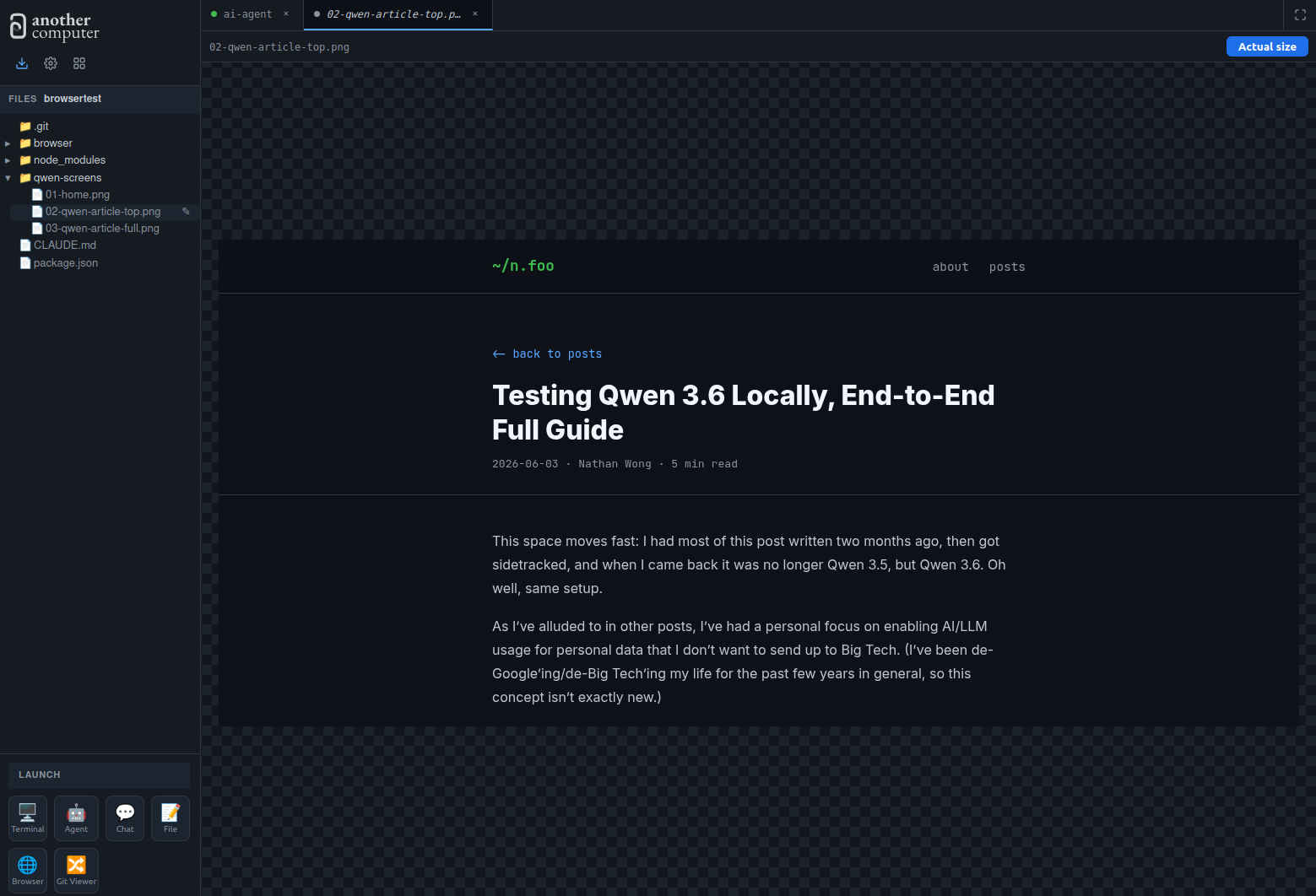
It is a pretty convenient way to iterate through workflows, and surprisingly fun to fiddle with!