This space moves fast: I had most of this post written two months ago, then got sidetracked, and when I came back it was no longer Qwen 3.5, but Qwen 3.6. Oh well, same setup.
As I’ve alluded to in other posts, I’ve had a personal focus on enabling AI/LLM usage for personal data that I don’t want to send up to Big Tech. (I’ve been de-Google’ing/de-Big Tech’ing my life for the past few years in general, so this concept isn’t exactly new.)
With these new smaller models that actually perform it’s increasingly seeming possible to have actual productive LLM use-cases fully locally. Interestingly, within the “local llama” communities everyone seems to overstate how viable this is, and amongst the “rest of tech” everyone seems to understate it.
It sometimes feels like everyone is parroting what they believe to be true or what they read (or maybe they’re all just bots). Instead, I think everyone should just try it for themselves. So here’s the bare minimum to get started so you can test this for only a few bucks.
On an Ubuntu machine with an RTX 3090 (available for 20 cents an hour on various providers, so low barrier to set up!), here are my exact testing instructions. Start-to-end in real wall clock time, expect about ~12 minutes until you can run a prompt.
- Build llama.cpp
apt-get update
apt-get install pciutils build-essential cmake curl libcurl4-openssl-dev -y
git clone https://github.com/ggml-org/llama.cpp
cmake llama.cpp -B llama.cpp/build -DBUILD_SHARED_LIBS=OFF -DGGML_CUDA=ON
cmake --build llama.cpp/build --config Release -j 8 --target llama-server
(I don’t think it really matters what version, but as I re-ran these to confirm they were correct before
publishing, I was running tag b9480.)
- Download the model (this can be done in parallel to save time)
wget https://huggingface.co/unsloth/Qwen3.6-27B-GGUF/resolve/main/Qwen3.6-27B-UD-Q4_K_XL.gguf
# OR
wget https://huggingface.co/unsloth/Qwen3.6-35B-A3B-GGUF/resolve/main/Qwen3.6-35B-A3B-UD-Q4_K_XL.gguf
This is the 4-bit “UD-Q4_K_XL” quants for Qwen 3.6 27B and 35B A3B. What do these mean? If you’re just playing around, you probably don’t need to care too much, but as a high level overview: the quant is the “compression” of the model weights (lower is smaller, but more lossy), and the number of parameters is the “breadth” of the model (with the A3B model meaning only 3B are active at a time). The latter model will be faster due to fewer active parameters but the 27B “probably” (again, test for yourself how it feels versus listening to me parrot this) follows tool-calling and complexity better.
- Run it
./llama.cpp/build/bin/llama-server -m Qwen3.6-35B-A3B-UD-Q4_K_XL.gguf \
   --port 9000 -ngl 99 -ctk q8_0 -ctv q8_0 -fa on \
   --ctx-size 45000 --temp 1.0 --top-p 0.95 --top-k 64 --min-p 0.00 \
   --chat-template-kwargs '{"enable_thinking":false}'
And that’s it! Open up 123.123.123.123:9000 and you’ll see a pretty standard LLM prompt.
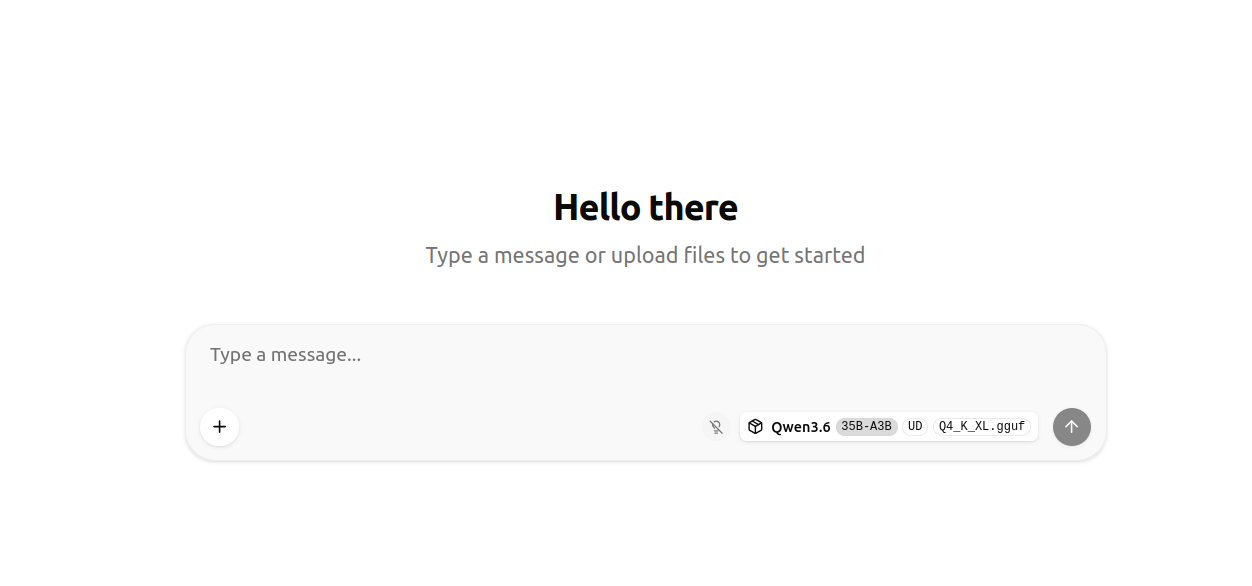
Give it a prompt to make sure it works:
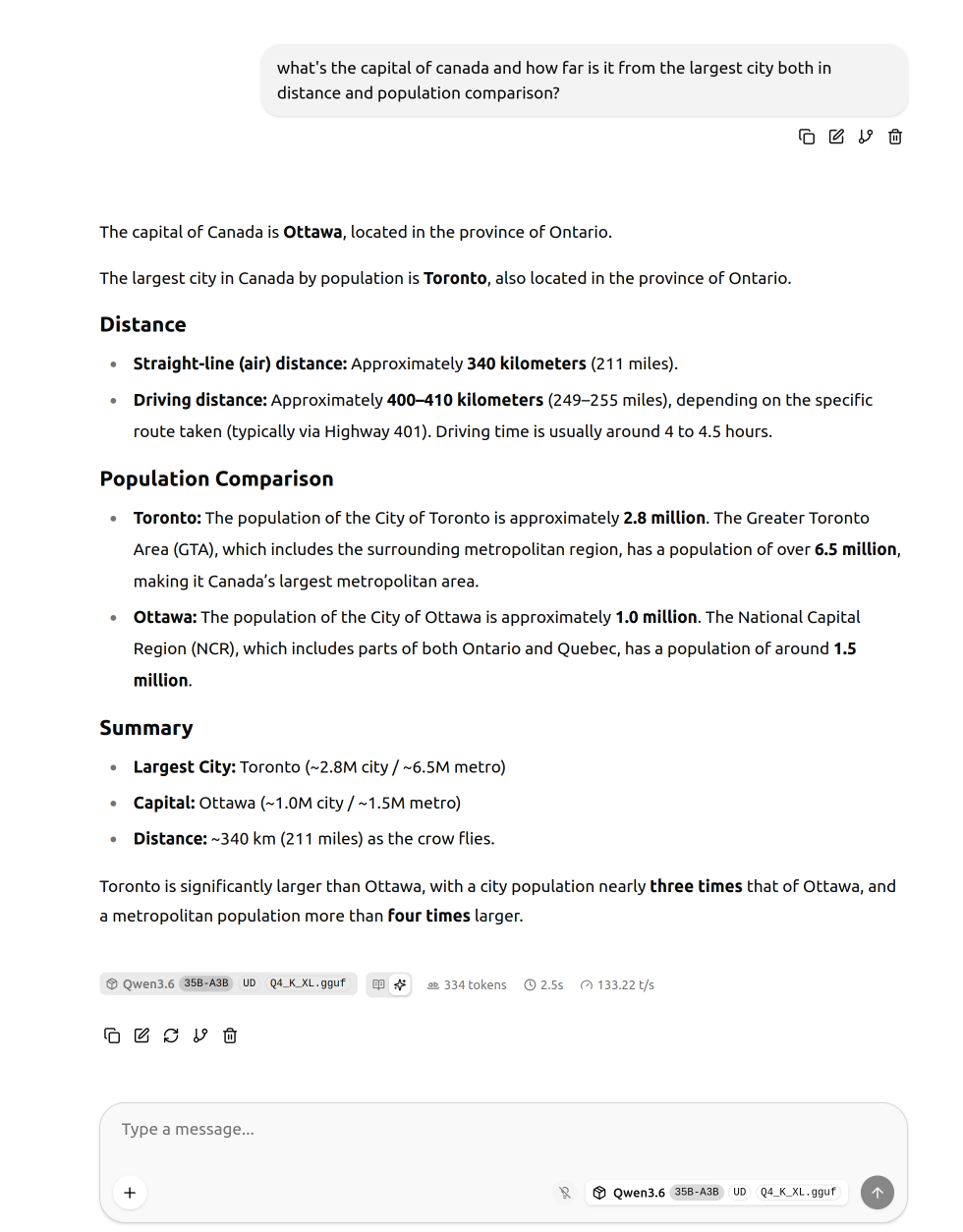
A basic “knowledge” prompt at 133 tokens/sec (so 2.5 seconds to generate this response).
Or hook it up to an agent:
e.g. claude code
export ANTHROPIC_API_KEY=""
export ANTHROPIC_BASE_URL="http://123.123.123.123:9000"
export ANTHROPIC_DEFAULT_SONNET_MODEL="Qwen3.6-35B-A3B-UD-Q4_K_XL"
export ANTHROPIC_AUTH_TOKEN="..."
export ANTHROPIC_DEFAULT_OPUS_MODEL="Qwen3.6-35B-A3B-UD-Q4_K_XL"
export ANTHROPIC_DEFAULT_HAIKU_MODEL="Qwen3.6-35B-A3B-UD-Q4_K_XL"
claude
Or pi (which is much faster, I assume due to the much simpler system prompt) by adding it to
~/.pi/agent/models.json:
{
  "providers": {
	"llamacpp": {
	  "baseUrl": "http://123.123.123.123:9000/v1",
	  "apiKey": "none",
	  "api": "openai-completions",
	  "models": [
		{
		  "id": "Qwen3.6-35B-A3B-UD-Q4_K_XL",
		  "name": "Qwen3.6-35B-A3B",
		  "reasoning": true,
		  "input": ["text"],
		  "cost": { "input": 0, "output": 0, "cacheRead": 0, "cacheWrite": 0 },
		  "contextWindow": 45000,
		  "maxTokens": 16384
		}
	  ]
	}
  }
}
(Obviously make sure you’re running these in a sandbox.)
I gave it this prompt off-the-cuff (for something that’s been bugging me lately as I search for “…word… wiktionary” a lot these days, but I also often typo wiktinoary or otherwise fail to get the result at first):
we want to create a simple ruby/sinatra mobile-optimized web app that lets the user enter a word and get back the definition and IPA pronunciation in french pulled from wiktionary (but filtered down to only the french section).
Pi reports 30k tokens and took about 10 minutes to produce this:
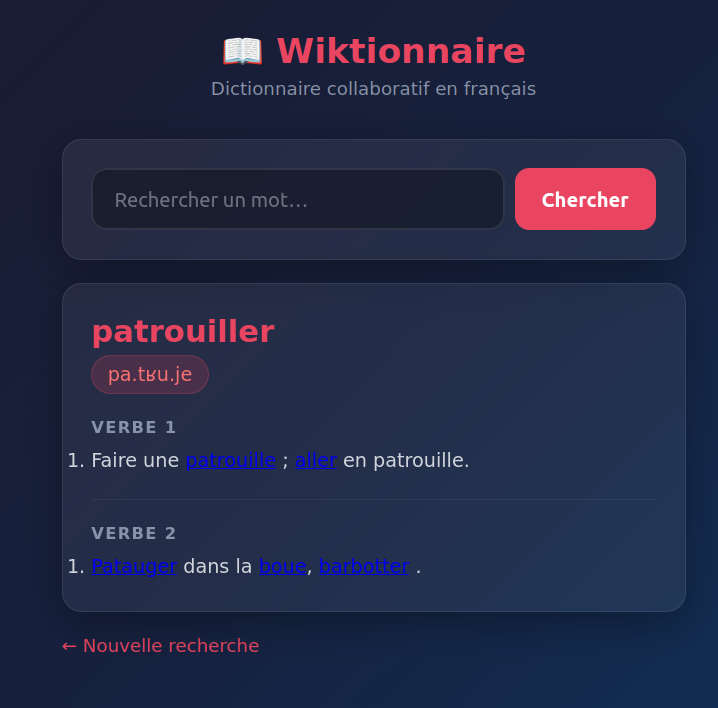
You can judge the code for yourself: app.rb / index.erb
While this is a silly one-shot example (since it’s easier to share as opposed to running this against a “real” codebase of mine where I can’t post the code easily), again, the point of this post is you should test this yourself on your own code versus listening to me!
And there you have it, a “private” LLM for 20c/hour rented (or ~$1500 in hardware + electricity to run this in a trully locally-owned environment!).
This exercise is worth doing in my opinion not only to play around with these models (which you could do via OpenRouter or various other providers if you were inclined, including OVH who now have Qwen 3.6 27B available with their general privacy guarantee), but because it’s simply magical to see a 21GB file pack this much knowledge and capability.
It reminds me of the first time (geez, 25 years ago) editing some PHP files and seeing it “appear” in the browser and being astounded such a thing could exist. It is hard to wrap your head around how a binary blob of few tens of gigs can contain all these facts, all this knowledge, and produce functional code.
And while some of that awe exists with the mainstream LLM providers, something about running it locally and seeing it actually work (maybe even confirming it isn’t just a human typing really fast on the other end ;) ) is simultaneously demystifying and unbelievable.